

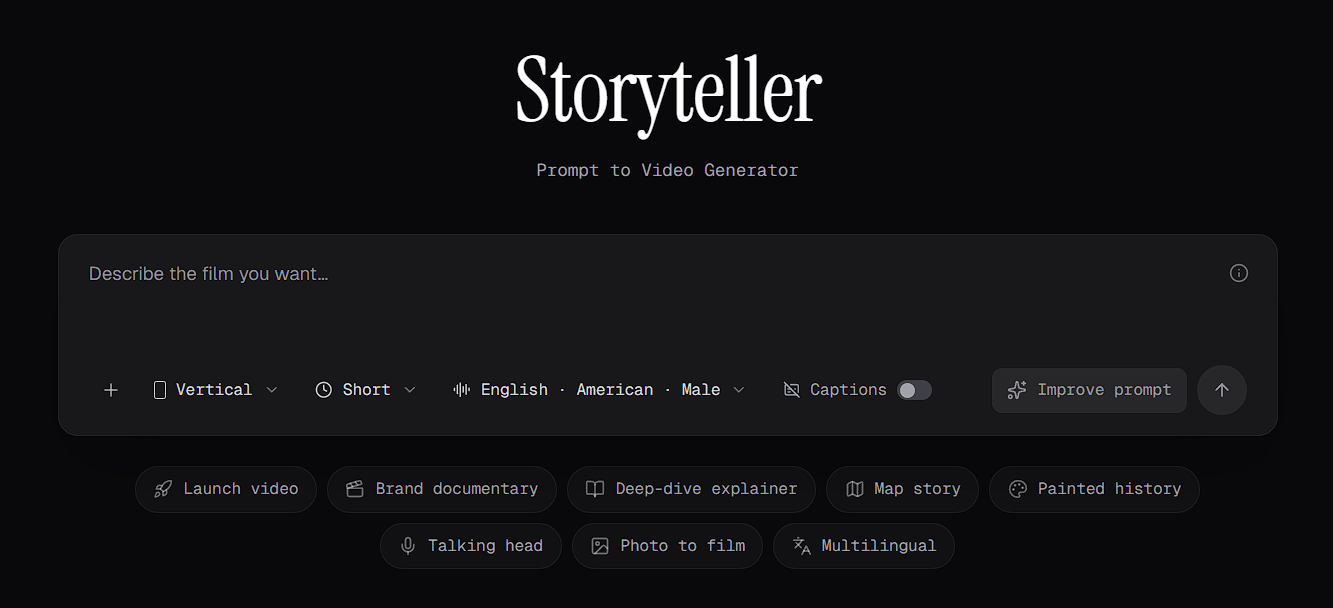
How Storyteller differs from the Video Editor
Storyteller is a separate workflow from the Video Editor:- You guide Storyteller with a prompt, settings and approvals. You don’t edit on a timeline.
- Your previous stories are listed in Your stories, at the bottom of the Storyteller page. From there you can play and download finished films.
- A Storyteller film doesn’t open directly as a Video Editor project. To edit one, download it and import it into a project. See Edit a Storyteller film.
Presets
Storyteller offers presets for common kinds of film:- Launch video
- Brand documentary
- Deep-dive explainer
- Map story
- Painted history
- Talking head
- Photo to film
- Multilingual
Approvals
Some stages of a film are marked Approval Required. At those stages, Storyteller needs you to review and approve its work before it continues. Not every stage needs approval. See Generation stages.Credits
Generating a film uses credits. The cost is broken down by stage, such as visual looks, keyframes, animation, and voice-over and music. Check your credits under Settings > Billing & Usage before you start.Costs and generation times vary from film to film.
Get started
Generate a film
Write a prompt, choose your settings and start a film.
Your stories
Find your previous stories, and play and download finished films.