

Find your stories
- Select Agent in the main sidebar to open Storyteller.
- Scroll to Your stories at the bottom of the page.
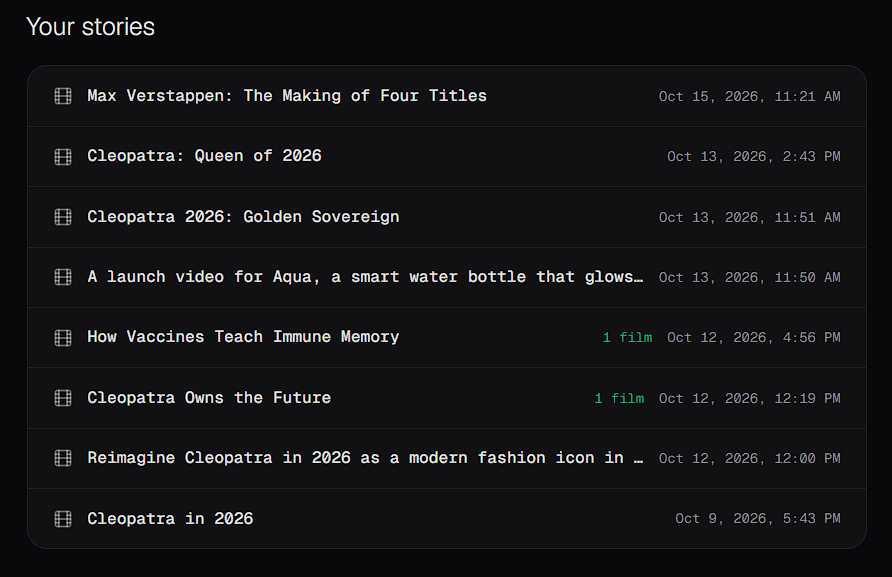
Play a film
When a story has produced a film, you can play the film in your browser’s video player.Download a film
Select Download on the film you want. The video file downloads to your computer.Edit a Storyteller film in the Video Editor
A Storyteller film doesn’t open directly as an editable Video Editor project. To edit it, download it and import it into a project:1
Download the film
In Your stories, select Download on the finished film.
2
Open a project in the Video Editor
Open an existing project, or create a new one. See Create or open a project.
3
Import the film
Upload the downloaded video to the Media Library. See Add media.
4
Edit it on the timeline
Add the video to the timeline and edit it like any other clip. See Work with the timeline.